Description
Good enough to start, honest about the mic
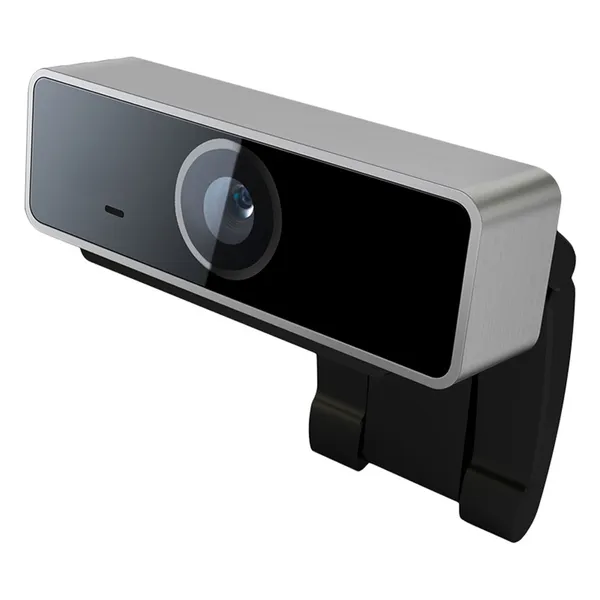
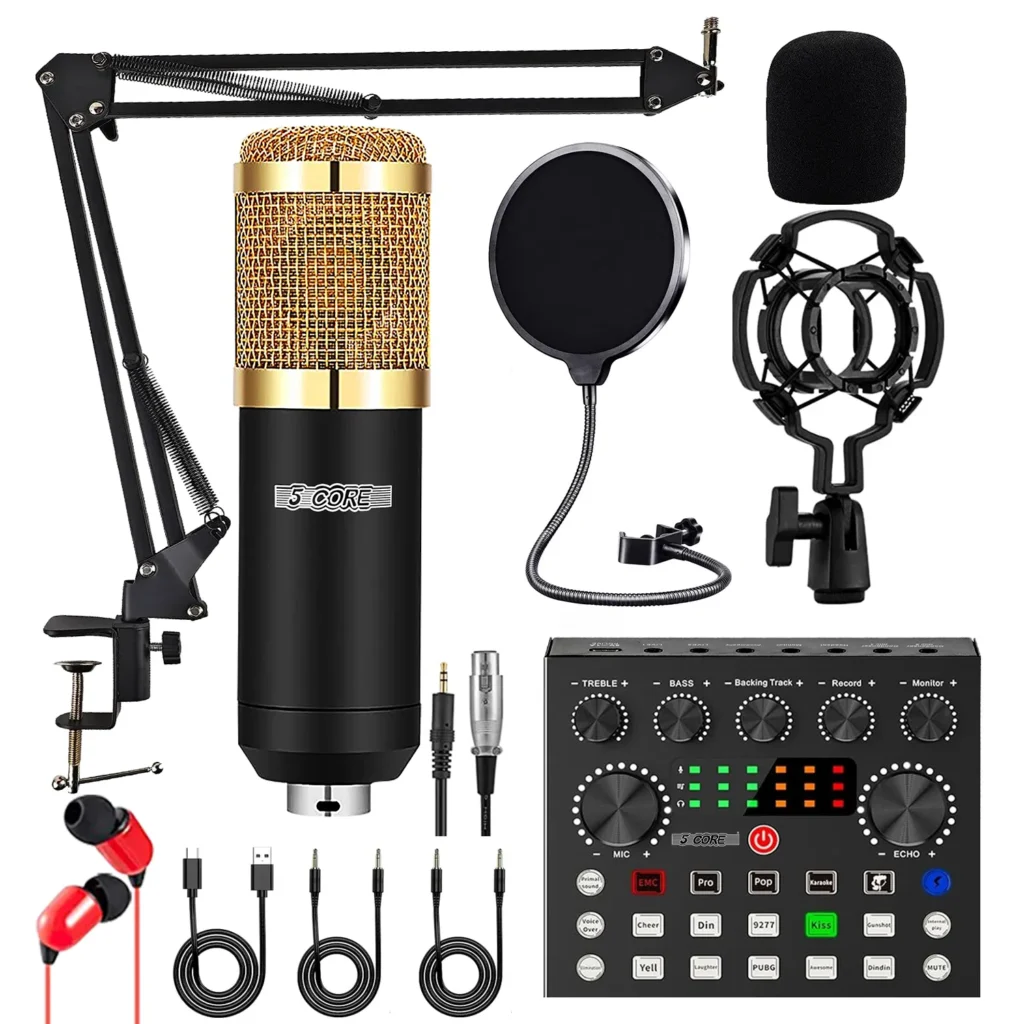
If you are launching a stream, joining coaching calls, or recording guides, a dedicated 1080p webcam usually beats a laptop’s narrow, grainy sensor. Autofocus helps when you lean in and out. The built-in mic is there so you can plug in one cable and go. For voice quality that keeps viewers around, plan a headset mic or USB mic path as the next upgrade. The budget streaming starter kit guide covers that order of operations.
Confirmed features
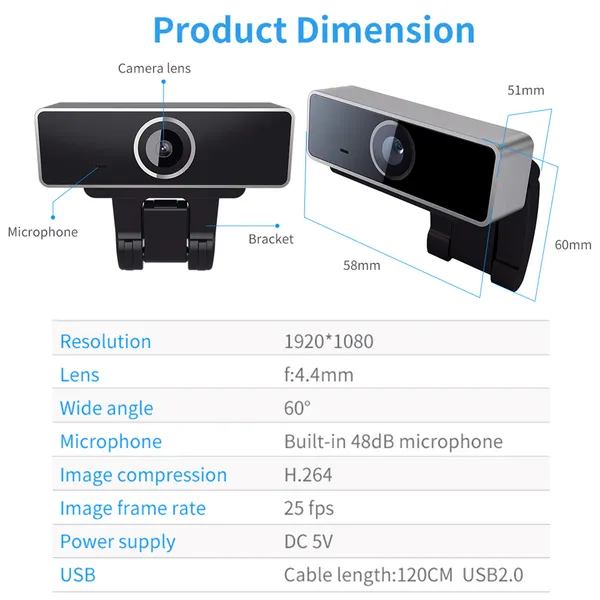
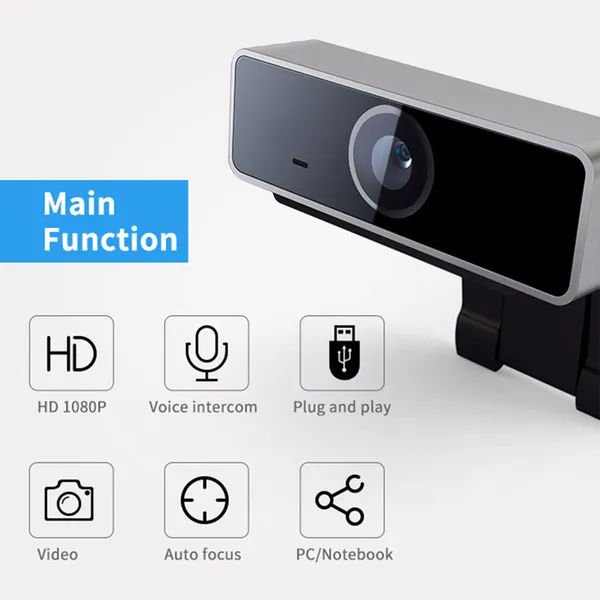
- 1080p Full HD
- Autofocus
- Built-in microphone
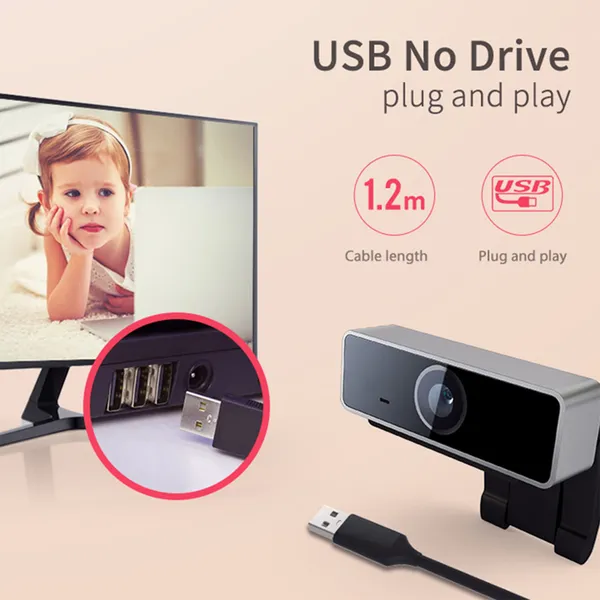
- USB plug and play
Setup tips that improve the image more than spending more money
- Put the camera at eye level, not looking up your nose from a laptop deck.
- Face a soft light source. A window to your front beats a bright window behind you.
- Sit far enough away that autofocus is not hunting every time you gesture.
- In your streaming software, select this device explicitly for both video and, if you use it, audio.
Honest limitations
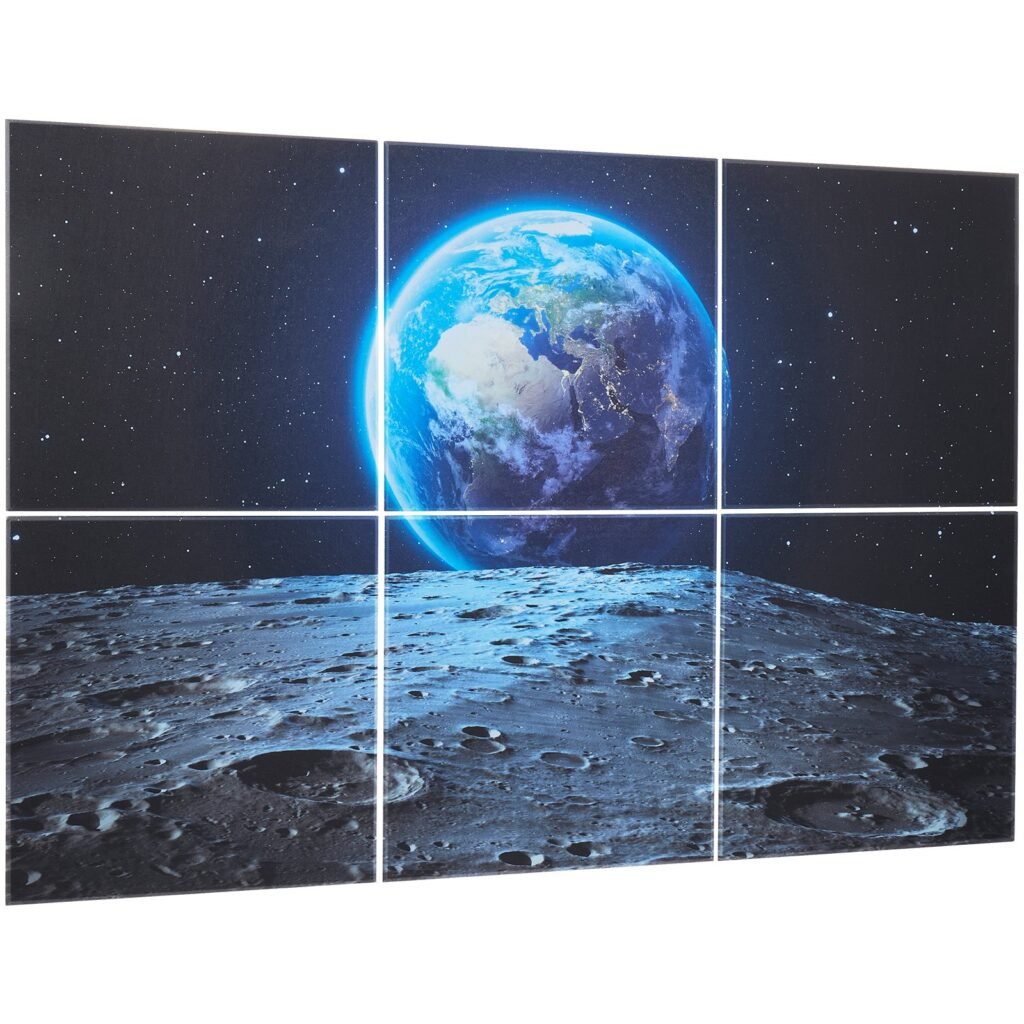
- Built-in webcam mics pick up keyboard noise and room echo. Acoustic panels help the room; they do not turn a tiny mic into a broadcast mic.
- 1080p is the working standard for most platforms. It is not a cinema camera.
- Autofocus can hunt in low light. Add a cheap key light before you blame the sensor.
Pairings from the shop
- Acoustic panels for echo
- Soft RGB behind you for depth, not in your eyes (RGB guide)
- A quieter keyboard if chat can hear every clack
What’s in the box
Webcam and USB cable.
Shop closer
If you tell me your room lighting (window, overhead only, or RGB-heavy), I can suggest whether to buy the cam alone or wait until you have a key light. Email support@new-game-gear.com. Shipping: Shipping Policy.
Reviews
There are no reviews yet.