Description
Specs at a glance
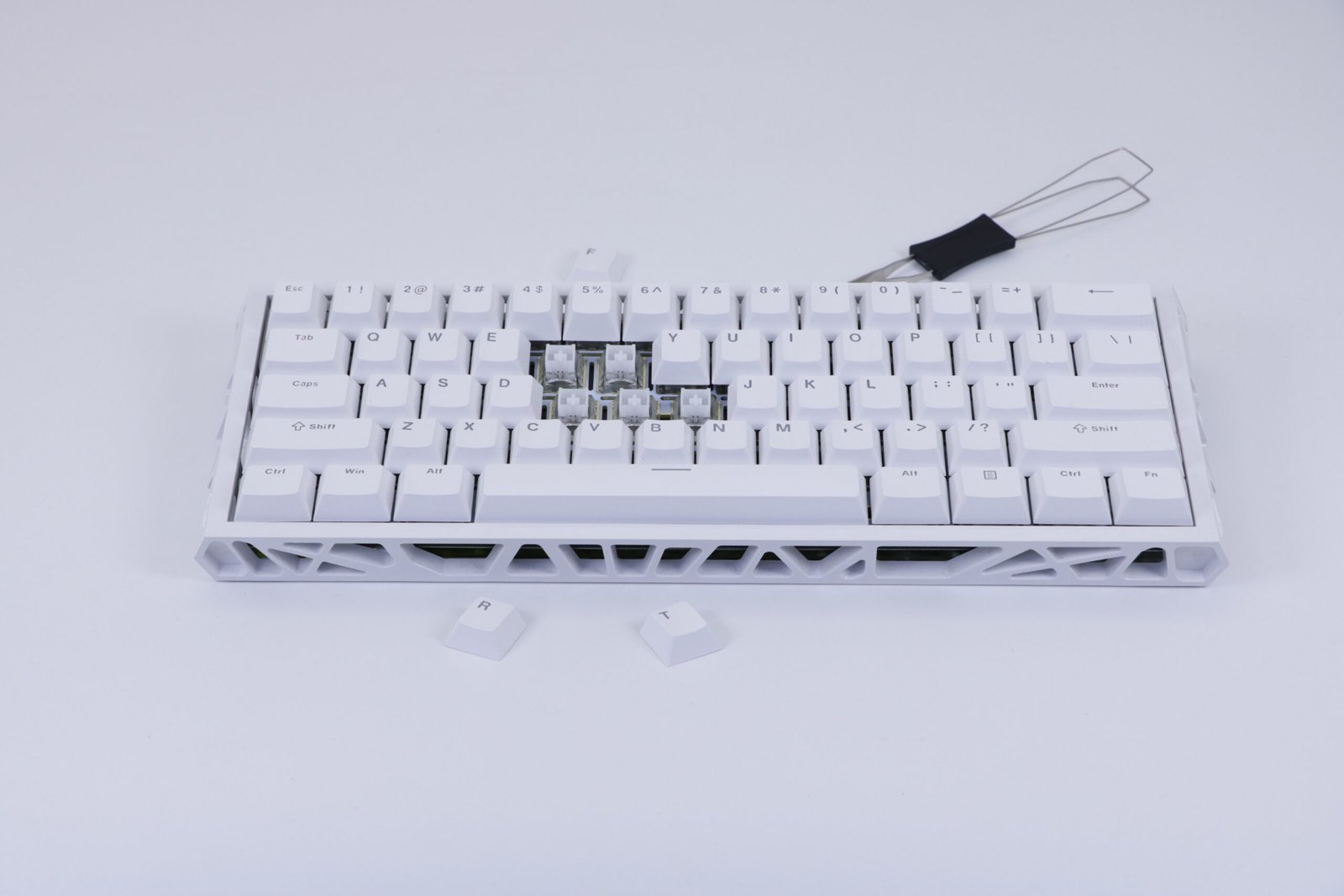
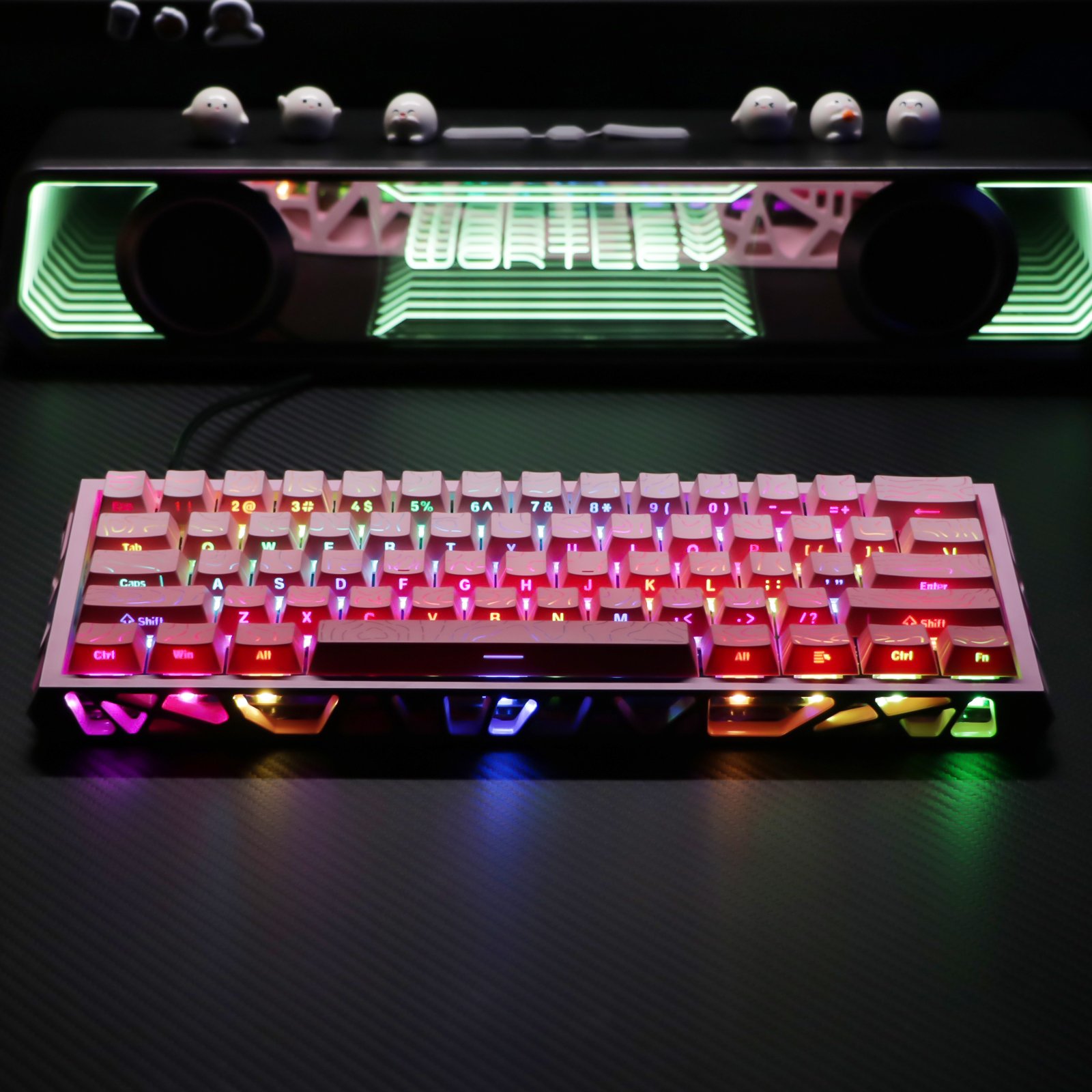
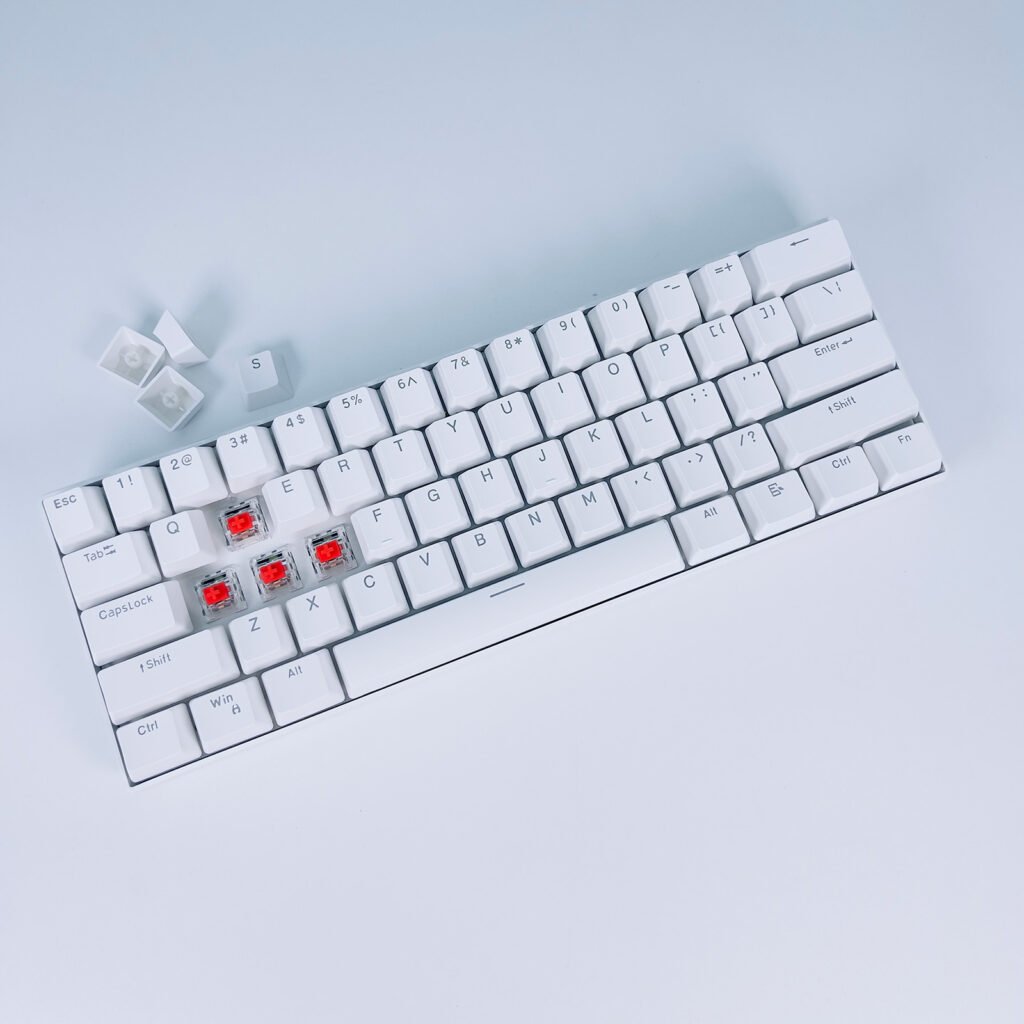
- Layout: 61 keys, 60% size
- Connection: wired USB
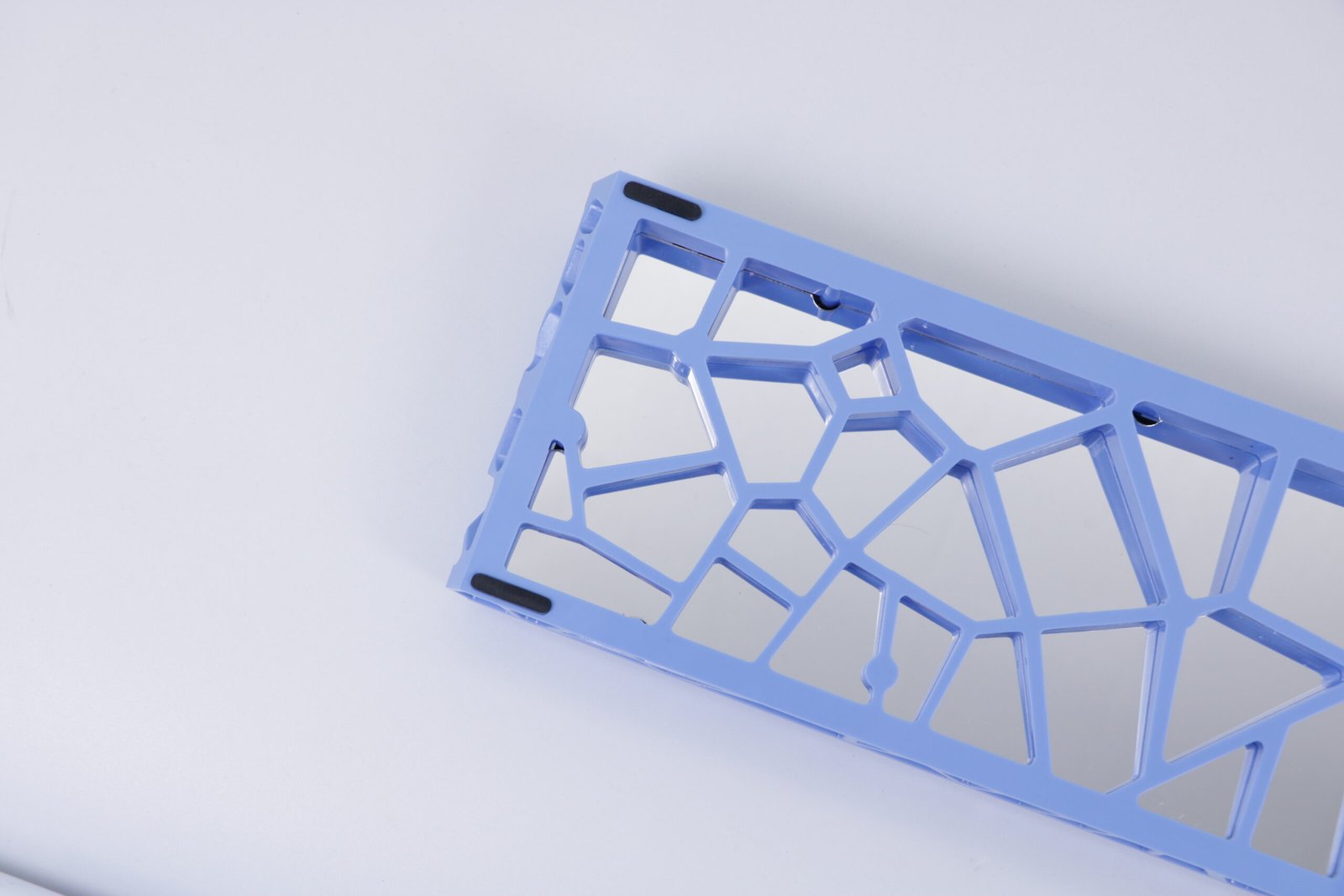
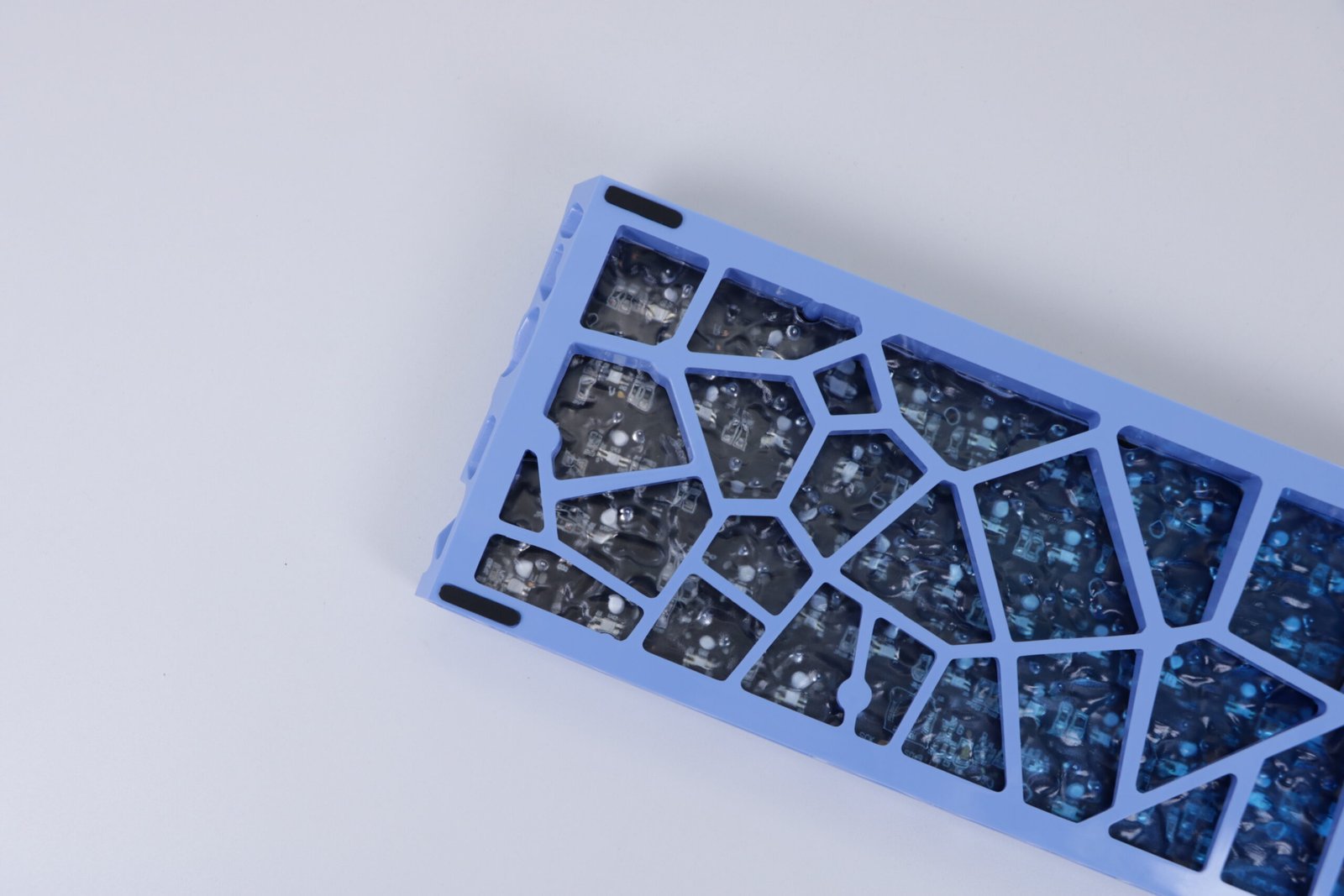
- Eight colors: Black, Red, Blue, White, Purple, Pink, plus Blue and White with front-print keycaps
Why people move to 60%
A full-size board eats desk width your mouse could use. Dropping the numpad, function row, and dedicated arrows leaves a footprint that is roughly two-thirds as wide. For low-sensitivity shooters, that extra mouse space is the whole point.
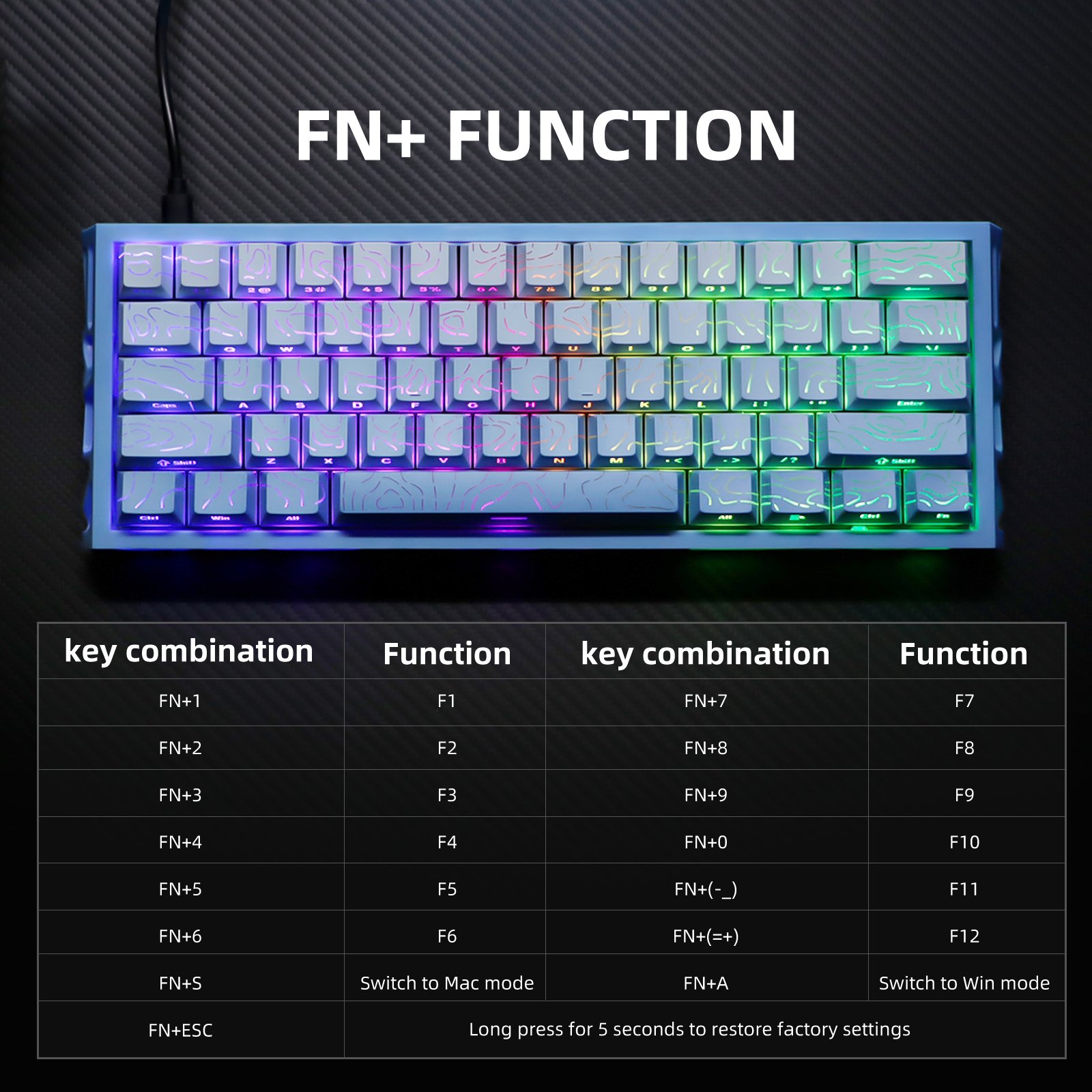
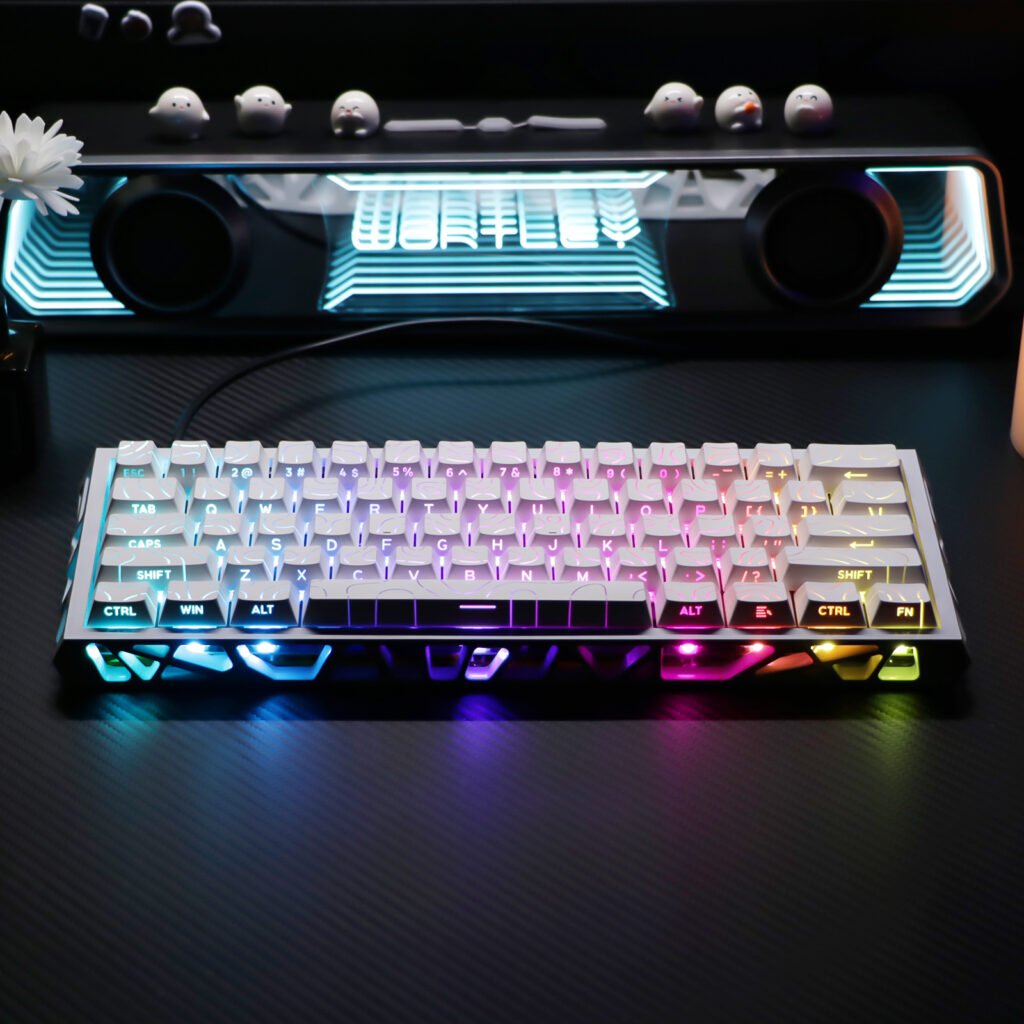
The cost is layers. Arrows, Delete, and F-keys usually live behind Fn. Front-print keycap versions (Blue and White options) show secondary functions on the front of the keys, which shortens the learning curve.
Getting comfortable with layers
- Keep the layer map nearby for the first week.
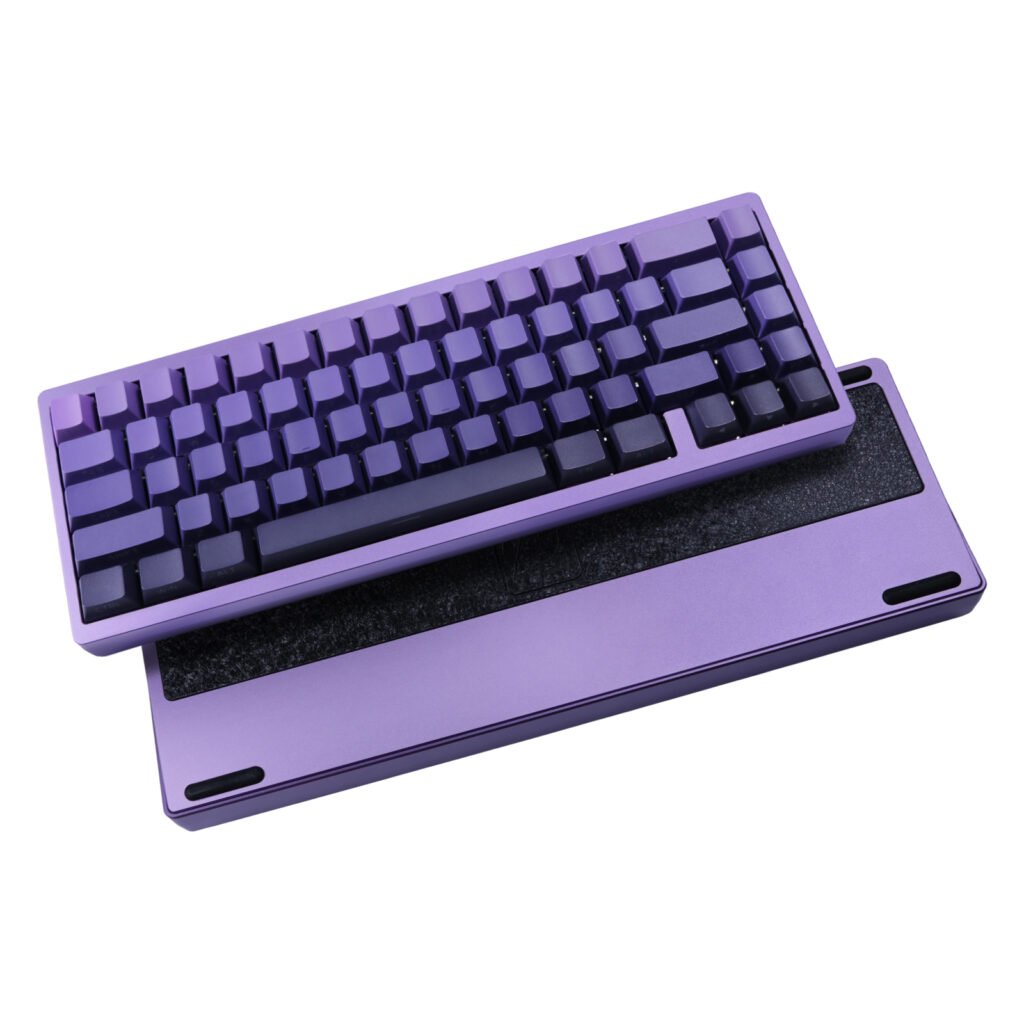
- If you write code or edit video and hammer arrows all day, try before you commit, or step up to the Aluminum 65%.
- Same size family as the magnetic NC61, but this NJ61 is a standard mechanical wired board, not a magnetic-switch model.
NJ61 vs KL61 vs NC61
- NJ61: wired 60%, eight colors, straightforward mechanical gaming board.
- KL61: also wired 60%, lower price, with selectable color/switch combinations on the listing.
- NC61: wired 60% with magnetic switches for players who specifically want that switch feel.
More layout help: 60% vs 65% keyboards.
Honest limitations
- No wireless. If you need Bluetooth or 2.4 GHz, look at the aluminum 65% tri-mode board instead.
- No dedicated arrows. That is the 60% trade.
What’s in the box
Keyboard and USB cable.
A last word from the shop
If you tell me what you play and whether you need arrows for work, I can say whether 60% will frustrate you. Email support@new-game-gear.com. Shipping info lives on the Shipping Policy page.
Reviews
There are no reviews yet.